There may be various reasons why you might need to track a web page:
(1) You can use page trackers instead of an RSS reader to monitor new front page stories;
(2) You can track Digg category pages to watch the dynamics;
(3) You can track Google “Past 24-hours” results to monitor your competitors, etc.
This post lists 3 handy FireFox addons that will help you monitor any page and notify you of changes in various ways:
Follow2 Notifier
Follow2 Notifier is a FireFox add-on that allows you to get real-time updated content notifications to your status bar from any website / page.
It installs a nice icon in your browser status bar called f2 which works the following way:
- Click it once you land on a page you want to track;
- The page will be added to the tracker;
- Once the page it is updated, you will see an update alert in the status bar (if there are many alerts, you’ll see a scroller to list the notifications):
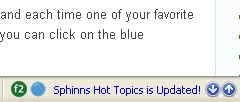
From there you can:
- Click the notification to load the updated page;
- Right-click on the icon to be able to load your site list:
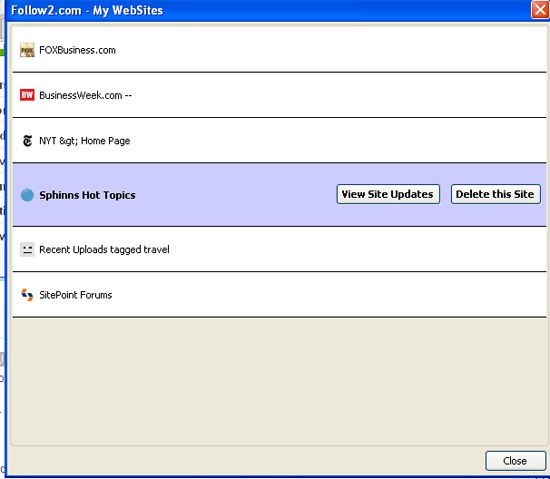
SiteDelta
SiteDelta notifies when websites are changed and highlights the changes since last visit. The addon icon (also added to the status bar) works similarly as the similar one:
- Click it to add the page to the tracker;
- Right-click on a tiny notification icon next to it to open the most recently-added page or all pages in different tabs;
- When on page again, click the icon to highlight the actual changes:
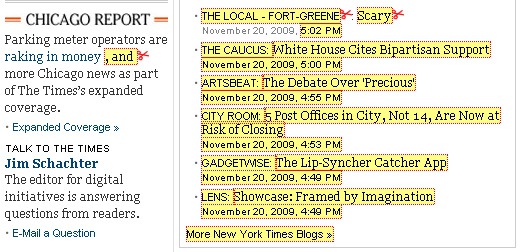
- Right-click on the icon to access many more handy options:
Page properties:
(1) See the page information: the text version of the page and when you last visited it:
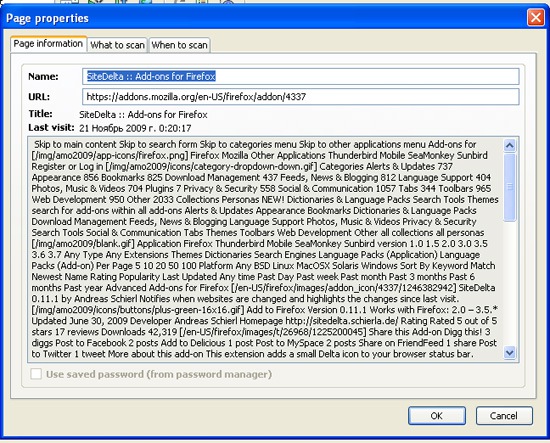
(2) Set the tracking preferences: scan the deleted content, image addresses, ignore cases, ignore numbers and backup changes:

(3) Set the scanning frequency:
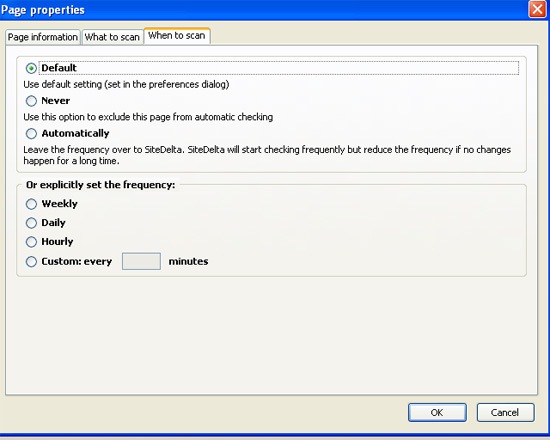
Backup current page version or see previous backups;
Track only some portion of the page (or ignore some area of the page):
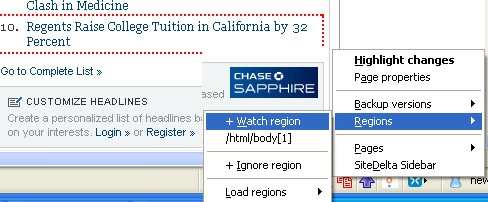
Open only changed pages
See all your tracked pages in the sidebar (red color means there’s an update):
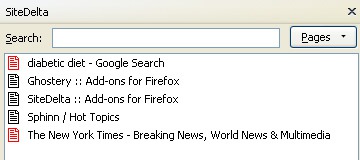
Update Scanner
Update scanner mainly works via the sidebar: the icon is only used to open that sidebar.

All the tool does is basically the following:
- Notifies you of any page changes;
- Highlights changes:
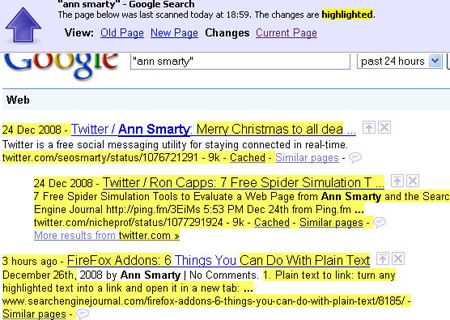
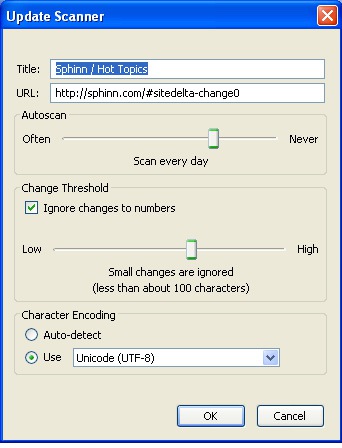
The most useful feature of the tool is that it can be configured to ignore minor changes (the feature available from “Edit properties” link on a page saved copy):