

Google is again supporting the Google Translate website translator tool in an effort help people get the information they need amid the COVID-19 pandemic.
Google had previously withdrawn support for this plugin, which gave site visitors a way to translate pages into 100+ languages for free.
Considering what’s going on in the world – now is the time to give site owners access to this tool again, Google has decided.
“In this time of a global pandemic, webmasters across the world—from government officials to health organizations—are frequently updating their websites with the latest information meant to help fight the spread of COVID-19 and provide access to resources.
However, they often lack the time or funding to translate this content into multiple languages, which can prevent valuable information from reaching a diverse set of readers.”
In addition to translating webpage content, the Google Translate widget can also translate content from a file such as a PDF.
The Google Translate Website Translator uses machine translation technology, is easy to integrate, and is free of charge for non-commercial sites to use.
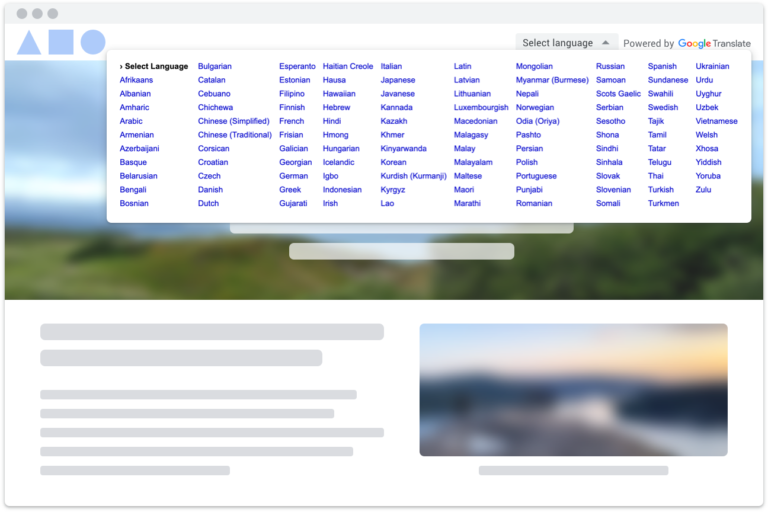
Usage of the website translator widget is strictly limited to government, non-profit, and/or non-commercial websites whose primary focus is on COVID-19 response.
If your website fits this criteria, you can apply for access to the Google Translate widget by filling out this form.
For all other sites, Google recommends using the Google Cloud Translation API.
Google reminds everyone that its translations are not always perfect. So keep that in mind when adding the widget to your site, and while reading content translated by the widget.
“Finally, it’s very important to note that while we continuously look for ways to improve the quality of our translations, they may not be perfect – so please use your best judgement when reading any content translated via Google Translate.”
Source: Google Webmaster Central Blog
