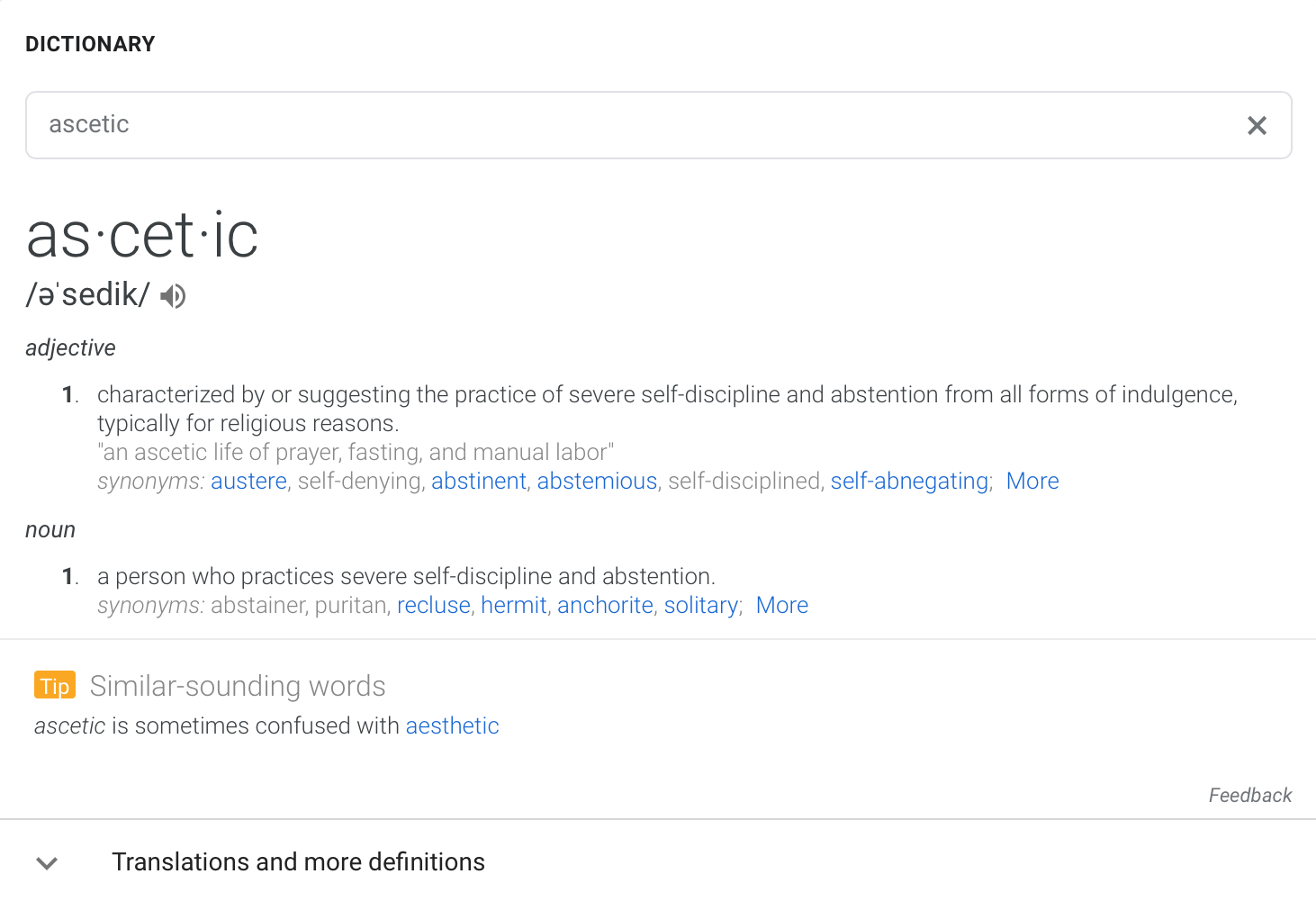
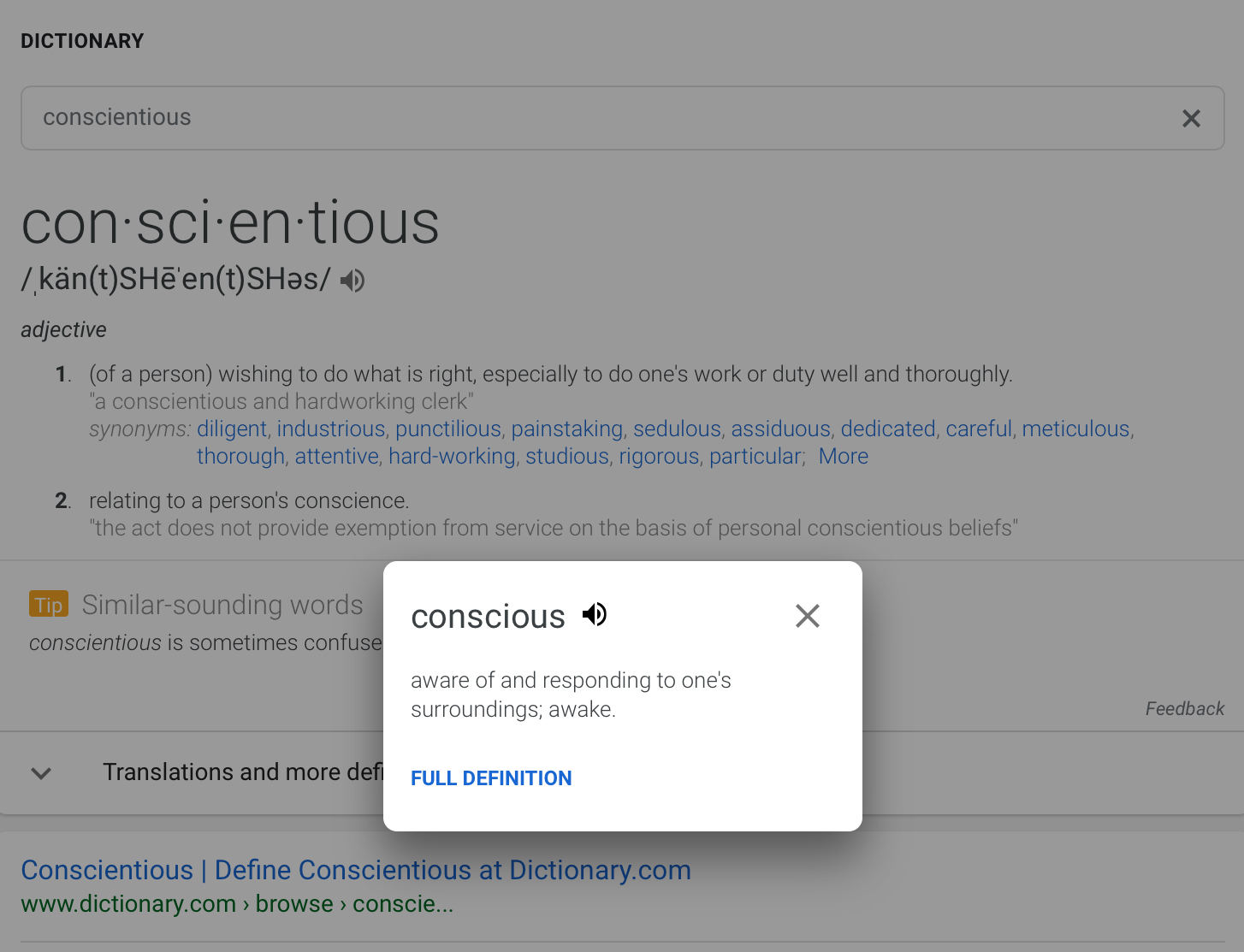
Although not widely used, DEFINE: Google search operator is very helpful especially for the quick access to the list of reference sources and definitions.
For those who use this operator on a regular basis or just plan to give it a try, today’s FireFox Friday post is about making DEFINE operator easier to access in FireFox:
Define:
Define FireFox addon allows to search the definitions of the highlighted text at Google. Just select any term on the current page, right-click on it and select “Define” in the context menu. The search results will open in the new tab:

Inline Google Definitions
Inline Google Definitions – this addon shows Google Definitions for the selected word on the same tab via a handy pop-up. With it, you will also need to use the right-click context menu to access it:

After clicking “Inline Definitions”, a tiny draggable window appears listing all the definitions (I wish the links to the definition sources opened in a new tab though):

3. LookItUp
LookItUp is a feature-rich Greasemonkey script that (along with plenty of other options and settings) offers a quick access to Google definitions:
- Just install the script.
- Select any term on the page;
- Click d on your keyboard.
A side panel will open with Google definitions for the chosen term:


medical school :-
I recently wrote about the WOT addon for Firefox, IE and Chrome browsers. It provides this safe search feature, but it does require that you use the addon. If you don’t want to install an addon to your web browser, the Politics WOT-SurfCanyon search is exactly what you need to stay safe. Sometime soon, I’ll tell you how to set SurfCanyon-WOT as your default search engine in Firefox, IE, Chrome and Opera. Until then, search safely! student aid
Looks interesting. I have just installed a”after the deadline” but this 2 add-ons looks much more interesting. That I have to see. Thanks for sharing.