
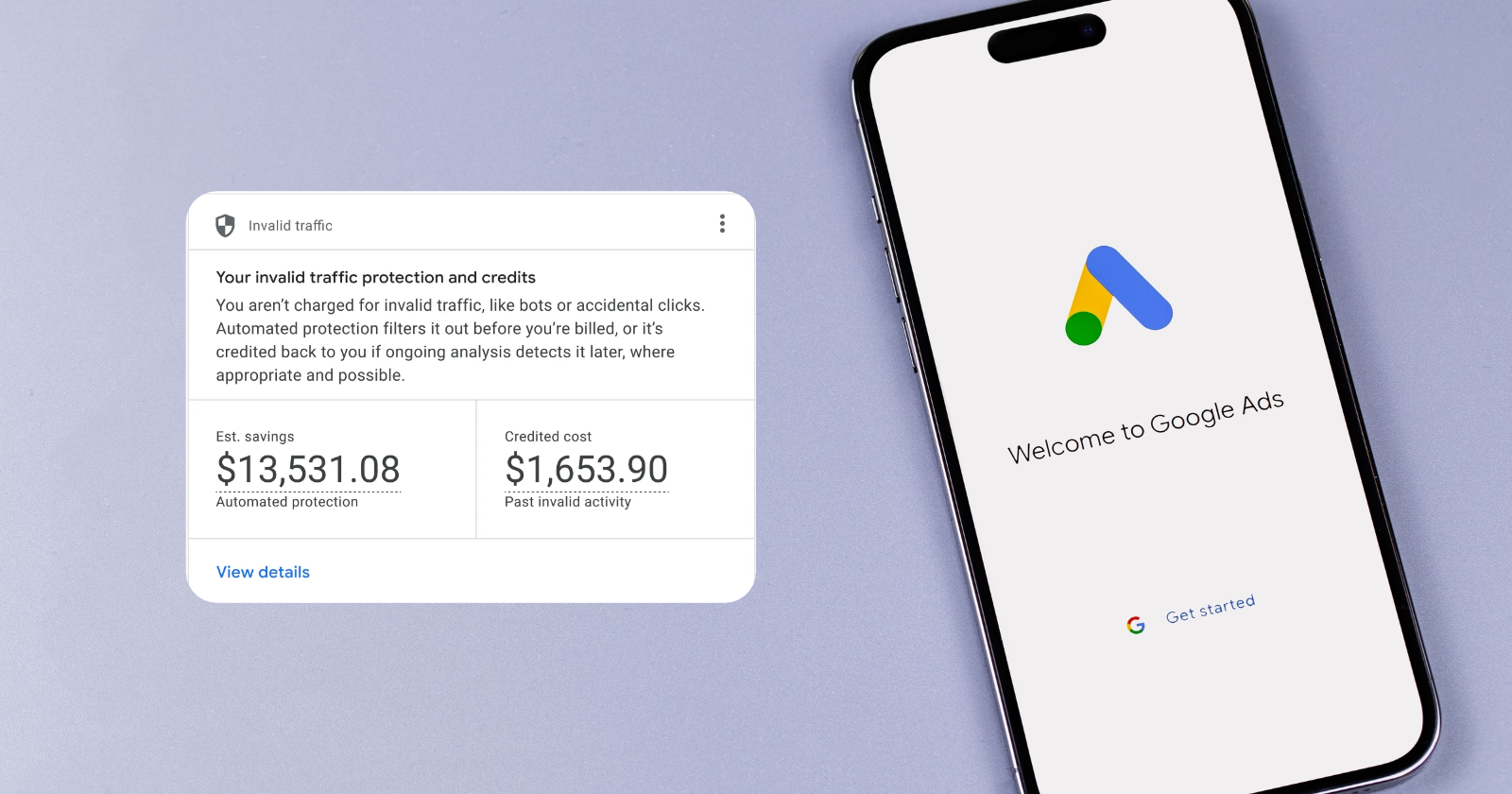
Google Ads is rolling out a new Invalid Traffic Overview Card that shows advertisers how much invalid activity its systems filter before billing, along with credits issued after billing.
Until now, advertisers had to look across campaign reports and monthly billing statements to find that information. The new card brings those figures into one view, with additional reporting available by day and campaign.
Ginny Marvin, Google Ads Liaison, announced the rollout on LinkedIn and shared more details in the latest Ads Decoded newsletter.
The global rollout began this week, and the feature is also available in Search Ads 360 for Google Ads accounts.
What The New Invalid Traffic Card Shows
Advertisers can find the new card on the Google Ads Overview page, under the Campaigns tab.
Google has long used automated systems and manual reviews to filter invalid ad interactions, including bot activity, accidental clicks, and attempts to artificially inflate traffic.
Most of that activity is caught before billing, so advertisers aren’t charged for those interactions.
The new card includes three reporting areas:
- Estimated savings: The estimated advertising costs avoided when Google’s systems identify and filter invalid activity before billing.
- Credited cost: The amount Google has credited back to an account after detecting invalid activity from a closed billing period.
- Daily and campaign-level reporting: A detailed view of invalid traffic activity by date and campaign, including downloadable CSV reports.
Clicking “View details” opens a daily trend chart and campaign table. Advertisers can also access the monthly invoices where credits were applied.
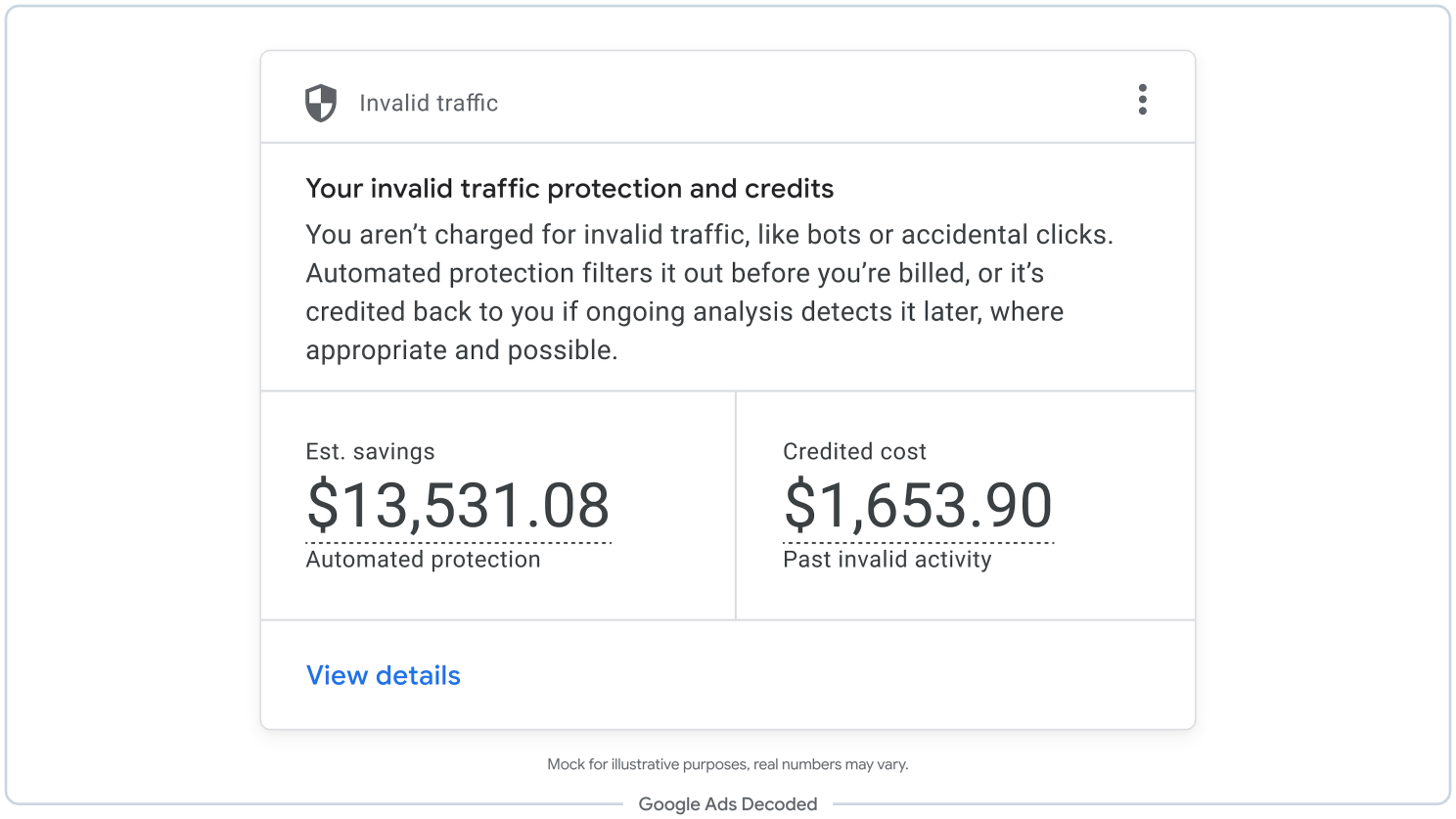
The estimated savings figure is the main addition to this information. Advertisers could already review invalid click metrics, but those reports didn’t show the estimated dollar amount Google had prevented from being charged.
According to Marvin, Google’s systems catch the majority of invalid traffic before it reaches an advertiser’s invoice.
Post-Billing Credits Won’t Change Standard Campaign Metrics
Google Ads locks standard campaign metrics at month-end to match billing records. If Google detects more invalid traffic after that, any credits issued won’t change the Cost or CPA figures in the main Campaigns table.
Advertisers who want to see those adjustments reflected in their performance metrics can use the Invalid Activity Credit: Search & PMax report.
Available in Report editor, it includes 10 columns, such as Adjusted cost and Adjusted cost / conv. Credits are attributed to the dates the ads originally ran, even when Google issued them later.
To find the report, go to:
- Insights and reports > Report editor > Template gallery > Performance Summary > Invalid Activity Credit: Search & PMax
This gives advertisers a way to review Search and Performance Max costs with post-billing invalid activity credits factored in, without relying solely on the standard Campaigns table.
What This Means For Advertisers
The campaign-level breakdowns should make it easier to see where Google is filtering invalid activity, although the estimated savings figures will need some context.
A campaign with significantly more spend could show higher estimated savings simply because it’s generating more traffic. Comparing those dollar amounts alone won’t necessarily tell advertisers which campaigns have greater traffic quality concerns.
There’s also a limit to what the numbers can tell us. The card reflects activity Google’s systems have identified as invalid, but it doesn’t establish how much fraudulent traffic may have gone undetected.
For lead generation accounts, invalid traffic reporting won’t necessarily explain why fake or low-quality leads are continuing to come in.
Marvin addressed this in the Ads Decoded newsletter: Google’s systems can filter invalid ad interactions, but bad leads can still come from legitimate clicks or submissions that never originated from an ad.
An account could have relatively little invalid traffic reported in Google Ads and still struggle with lead quality. Advertisers dealing with those issues will need to compare the reporting against their CRM data rather than assuming Google’s invalid traffic figures tell the whole story.
Featured image: Primakov (screenshot from Google Ads Decoded Newsletter) / Shutterstock
