


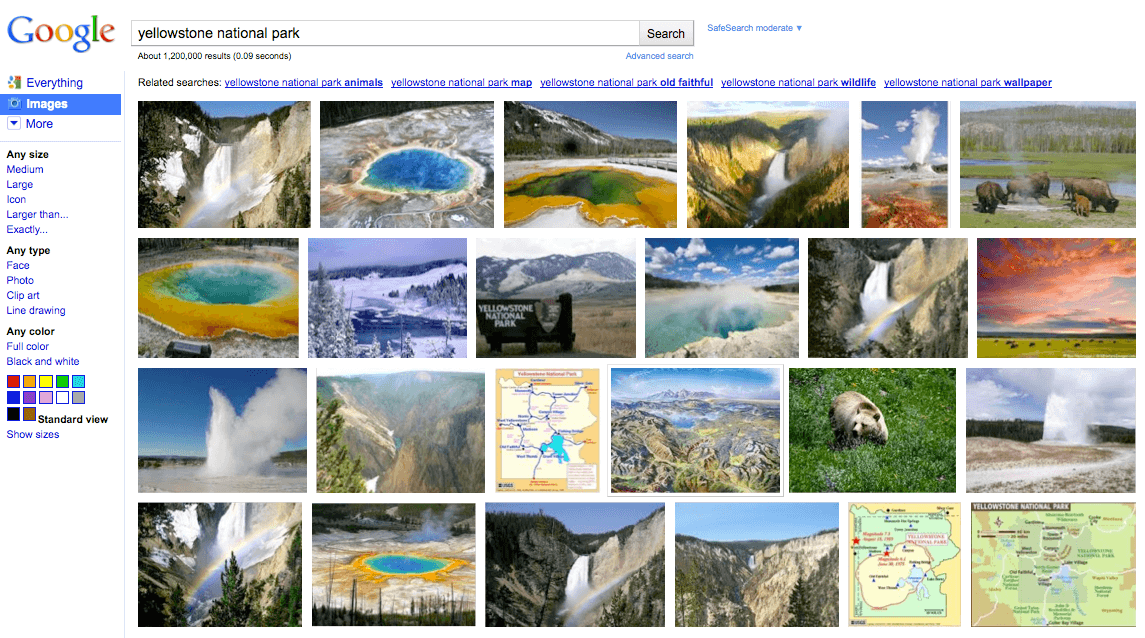
Google is set to revamp the overall interface of its Image Search vertical. According a post on the Official Google blog, the new Google Image Search will soon feature more images on the search results page. In fact, if you take a look at the sample screenshot of the new image search results page, you won’t see any text anymore aside from the navigation panel on the left side of the page.
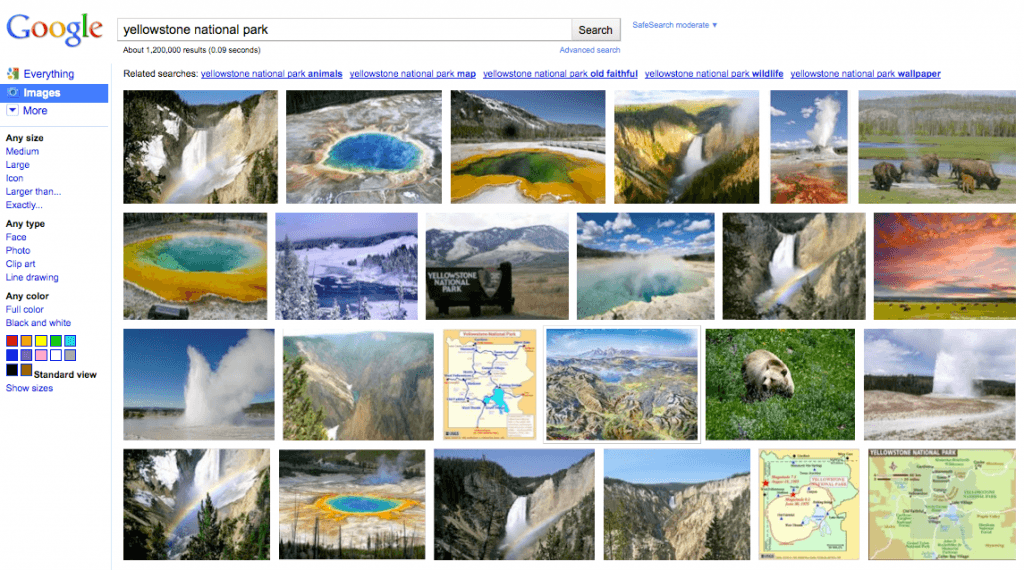
The new Google Image search results page will sport a dense tiled layout allowing you to get a good view of many images to find what you’re really looking for. The page also instantly scroll down up to 1,000 images before bringing you to another page. The image search results also give larger thumbnail previews to fit modern browsers as well as high-resolution screens. And a hover pane also appears when you mouse over a thumbnail image which will display larger preview of the image with all the necessary information about the image. Clicking on the image will bring you to a new landing page which display a larger image as well as link to the website where the image is hosted.
Will you use Google Image search more now with these new features?

