

Google appears to have removed the ability to filter image search results by “minimum size,” “exact size,” and “full color.”
This change was made quietly, as there has been no official word from Google about removing the filters.
I only became aware of it thanks to a Reddit thread in which multiple people confirm they no longer have access to the filters in the main user interface.
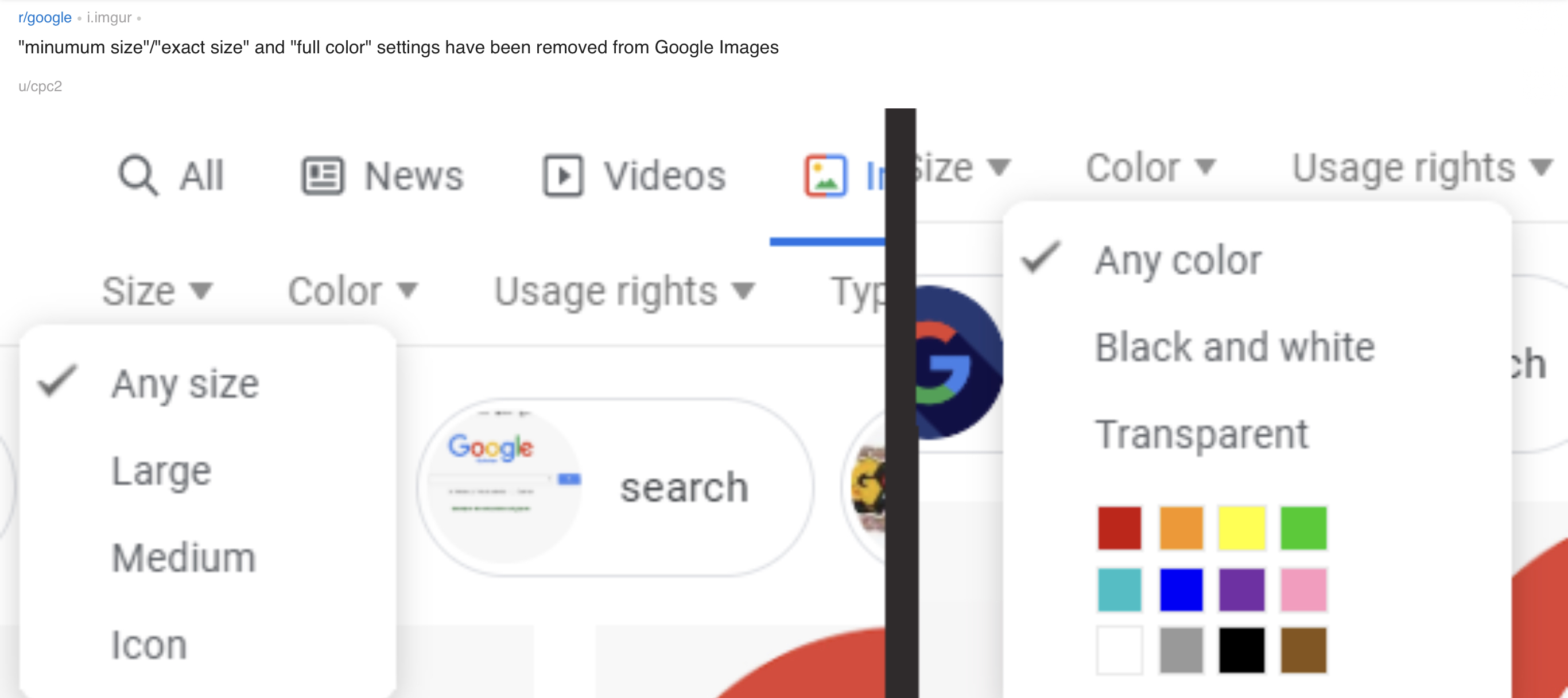
Apparently, the filters are still available in the “advanced search” section which is accessed from the settings drop down menu.
However, the fact that the filters have been removed from the main UI is an indication they’re being deprecated.
This change is upsetting a lot of users, many of whom say they regularly used the image search filters.
“Shame, those are very useful tools to narrow search results.”
“Ive used them alot in the past… This is how companies start to crumble is when they stop listening to thier users and start telling people what they should want.”
“I am feeling angry, sad and disappointed. The worst thing about Google is that they never listen to users.”
“This really irked me. Yet Another negative change to image search.”
Those are some of the cleanest comments I could find, as most replies to the Reddit thread are laced with profanity.
All the anger and resentment from users isn’t due to this change alone. Google removing frequently-used features from image search is a pattern that hasn’t shown any signs of slowing down
Time will tell how many more features get removed from Google’s image search results in the future.
