


I have shared quite a few methods to tweak Google search results page: we know already how to remove redirects from Google SERPs, or how to add a sidebar to Google search which allows to see more relevant information.
And here’s another way to make even more of Google SERPs: see more Google results at a glance as well as preview target pages. Google Monkey is one of possible ways to do that. That’s a Greasemoneky script that has quite a few cool features worth checking out.
The script allows you to add the following features to Google SERPs:
- Sort search results into columns (up to 4 columns);
- Number results;
- Open results in a new tab;
- For each result show the domain favicon or thumbnail (or both).
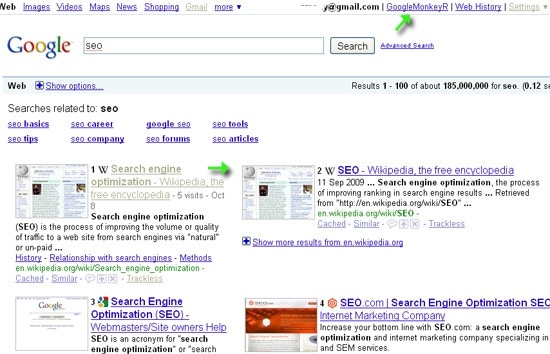
Additionally you can also:
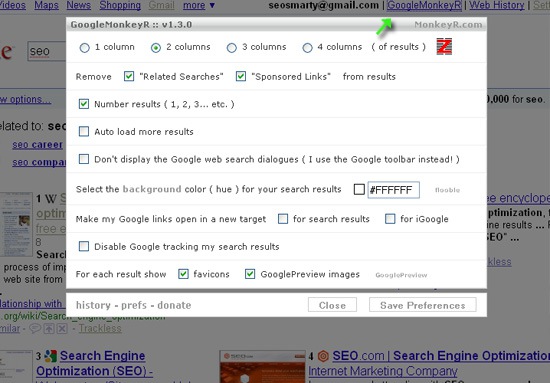
- Remove "Related searches" and "AdWords" results;
- Auto load more results;
- Hide the Google web search dialogs (if you use the Google toolbar instead);
- Set the background color;
Also, you can customize all settings via the handy dialog (accessed via the link in the top right corner of the SERPs):
Category
Tools

