


Yotify is a new service that lets you track keywords across multiple platforms and sites. The site offers a bunch of customization options and alert settings.
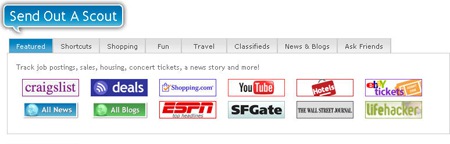
What sites are there available for tracking:
Among other popular sites, Yotify offers to track such useful platforms as:
- News search;
- Blog search;
- YouTube;
- LifeHacker;
- Craiglist;
- eBay;
- FriendFeed; etc.
Of course, you can track any site or RSS which is not included by default via “Shortcuts” tab.
How to create an alert?
Let’s try to create a “scout” (i.e. “alert”) for news:
- Go to “News & Blogs” tab;
- Select “All News” button;
- Submit the keyword you want to track;
- Set the report options (how long you want it to run and how often you want to receive an email).
How does the report look like?
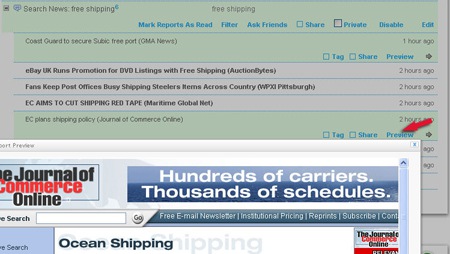
You will see a list of headlines relevant to your specified keyword and when each story was indexed. Click “Preview” to load each page without the need to leave Yotify.
Category
SEO

