
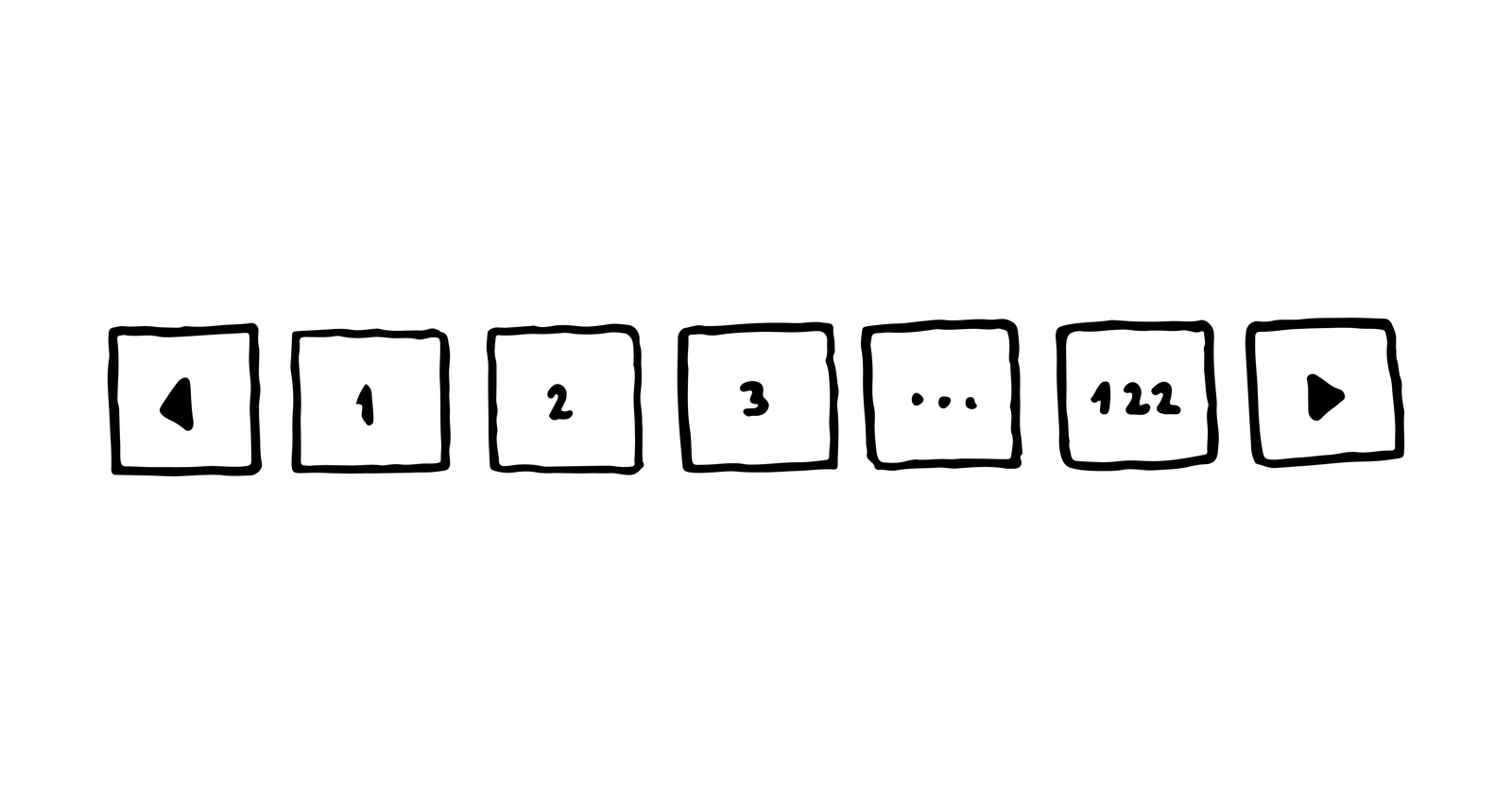
Today’s Ask an SEO question comes from Brien in San Francisco. Brien asks:
“What is a good rule of thumb for deciding as to whether or not allow Googlebot to crawl your paginated pages?”
This is a great question and one that can be really confusing to find good answers to.
Just over a year ago, Google made some major changes to how they handle pagination.
And because many of us SEOs don’t put dates on our pages or never go back and update old posts, the web can be full of bad information about how to deal with pagination.
Let’s try and clear some of that up.
Clearing SEO Misinformation on Pagination
A few years ago, the answer to this was simple: Use rel=prev and rel=next tags to tie your paginated pages together and Google will figure it out.
Everything was fine and dandy.
If you missed the announcement, it’s because they first made it on Twitter.
Spring cleaning!
As we evaluated our indexing signals, we decided to retire rel=prev/next.
Studies show that users love single-page content, aim for that when possible, but multi-part is also fine for Google Search. Know and do what's best for *your* users! #springiscoming pic.twitter.com/hCODPoKgKp— Google Webmasters (@googlewmc) March 21, 2019
So what now?
The best way to handle paginated content is to not have it.
Multiple studies have found that users hate when publishers break bite-sized information down into multiple pages as a way to inflate ad impressions.
You all know the sites I’m talking about. If you’ve ever clicked “read more” on Snapchat you’ve seen them.
OK, great, but I’m not a spammer.
While you should always try to condense your content into as few pages as possible, I realize that there are lots of reasons why you’d want multiple pages.
That’s fine, too!
Just take it easy on the ads.
For starters, if you’ve already implemented rel=prev and rel=next, don’t go removing it.
It simply isn’t worth the time, and there are other valid uses for it besides SEO that we won’t get into here.
And there’s also Bing. I think. (Bing is still a thing, right? Just kidding.)
It might be better to list the things you should not do.
- Do not block search engines from being able to crawl all the pages.
- Do not noindex any of the pages.
- Do not canonical all the pages to the first page.
- Do not nofollow the links between pages.
Basically, make sure you have good solid links between the pages and that there’s a clean and logical crawl path set up between them.
Search engines will figure out the cross-linking and take the user to the page that matters most to their query.
That might mean users enter in the middle of a paginated set, but that’s OK if the answer to their question is on that page.
If you really feel the need to play with canonicals and whatnot, you could create a “view as one page” page that has all the data on it, and then canonical everything to that page.
You’ll also want to link to it from all the pages.
Your users will probably love it, but remember that will be the page all users enter on from search engines.
Editor’s note: Ask an SEO is a weekly SEO advice column written by some of the industry’s top SEO experts, who have been hand-picked by Search Engine Journal. Got a question about SEO? Fill out our form. You might see your answer in the next #AskanSEO post!
More Resources:
