

The number of online surveys has risen dramatically in the past decade, according to the Pew Research Center.
From short social media polls to lengthy feedback forms, it’s never been easier to survey your target audience and find out what exactly they’re thinking.
When it comes to free survey makers, you have plenty of options to choose from.
That’s the good news.
The bad news is you have to wade through your options to figure out the best survey tool for you.
In this article, I’ve done that dirty work for you.
Below I outline the top six free survey makers, with a simple bulleted list of their pros and cons, so you can quickly select the best one for your needs.
But first up, the caveats.
What You’re Missing With Free Survey Makers
When something’s free, there’s usually a catch. The same goes for free survey makers.
Free survey tools, or the free plan offered by a paid survey tool, often come with the following limitations:
- Limited export options. You may not be able to export your survey data for review in Excel or Google Sheets. There may be a PDF-only export option or no export ability at all.
- Limited analytics. Free survey tools often skimp on the analytics. You may be left to your own pivot tables and Excel expertise if you want to create anything fancy from your survey data.
- Limited survey functionality. This runs the gamut, from a limit on how many respondents or questions you can have per survey, to only allowing so many question types (e.g., multiple-choice, long-form, etc.).
- Limited extra perks. By perks, I mean those other features that make software from good to great. With survey makers, that might mean easy-to-access support, the ability to embed surveys in email or webpages, multiple user accounts, or integration with other email marketing or CRM software.
- No branding. Free survey makers give you their tools for free. In return, you provide them with free brand awareness. Don’t expect to be able to swap out their logo for your own. You’ll probably be stuck with their branding, along with a prominent link to their site throughout the survey or on the thank you page (or both).
If any of the above is a dealbreaker for you, you should plan to drop a little dough on a paid survey tool. That’s why I’ve also included the starting price for all six of the tools featured below.
In case you end up having to upgrade later, it’s easier to do so from a tool you’re already familiar with.
Top 6 Free Survey Tools
Without further ado, I present the best free survey makers you’ll find today. These are listed in no particular order.
1. Google Forms
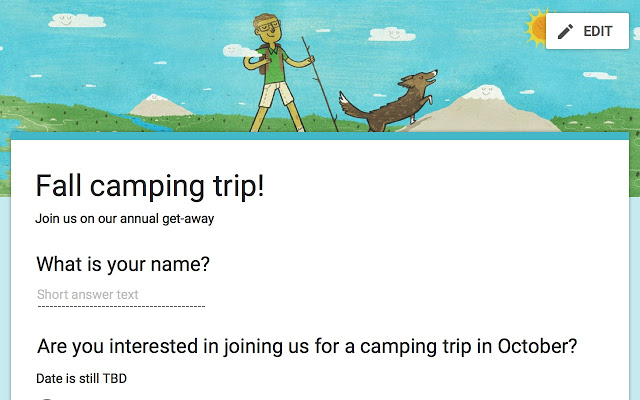
Do you live and die by your Google Drive?
Great news: Google also offers free survey software via Google Forms.
Alright, I know I just said these were presented in no particular order, but I’ll openly admit Google Forms is my personal favorite. Just look at all of the features they include in their free plan!
All you need is a free Google account to get started.
Here’s what’s included in the free plan:
- Unlimited surveys.
- Unlimited questions.
- Unlimited responses.
- Export to Google Sheets.
- Survey logic (ability to skip or trigger questions).
- Ability to embed images and YouTube videos.
- Ability to embed the survey on your website and share to social media.
- Survey analytics, updated in real-time.
- Integration with Google Docs, Sheets, Slides.
- Unlimited collaborators.
- Customizable survey templates.
- Free branding.
What’s missing from the free plan:
- Enhanced security and collaboration options.
- Integration with your existing Google Workplace account.
Price: Completely free. Google Workplace pricing starts at $6 per user per month.
Best for: Anyone and everyone, for business or casual use.
2. SurveyMonkey
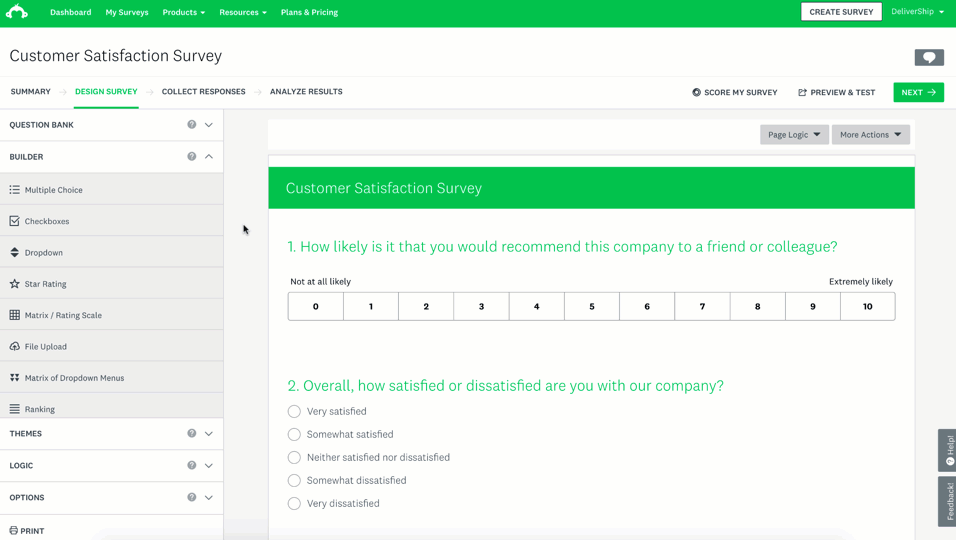
SurveyMonkey is the online survey tool. Established in 1999, it’s still the most well-known online survey software.
Despite the limitations of its free plans, SurveyMonkey continues to be popular thanks to its intuitive interface and brand recognition. Notable clients include Allbirds, Tweezerman, and Adobe.
One nice perk is that you can test out any of the paid features with your free plan. (You just won’t be able to actually use it in your live survey until you pay up.)
Here’s what’s included in the free plan:
- Unlimited surveys.
- 10 questions.
- 15 question types.
- 100 responses per survey.
- Over 250 customizable survey templates.
- Ability to embed the survey on your website.
- Mobile app.
- One user.
What’s missing from the free plan:
- Unlimited questions, question types, and responses.
- Data exports – this is a biggie!
- Custom branding.
- Survey logic (ability to skip or trigger questions).
- Team collaboration.
- Advanced security (single sign-on, HIPAA compliance).
- A/B testing.
Price: Freemium. Paid plans start at $16 per month for individuals, $25 for teams.
Best for: Those who want a tried-and-true survey maker with all the features you could ask for.
3. Typeform
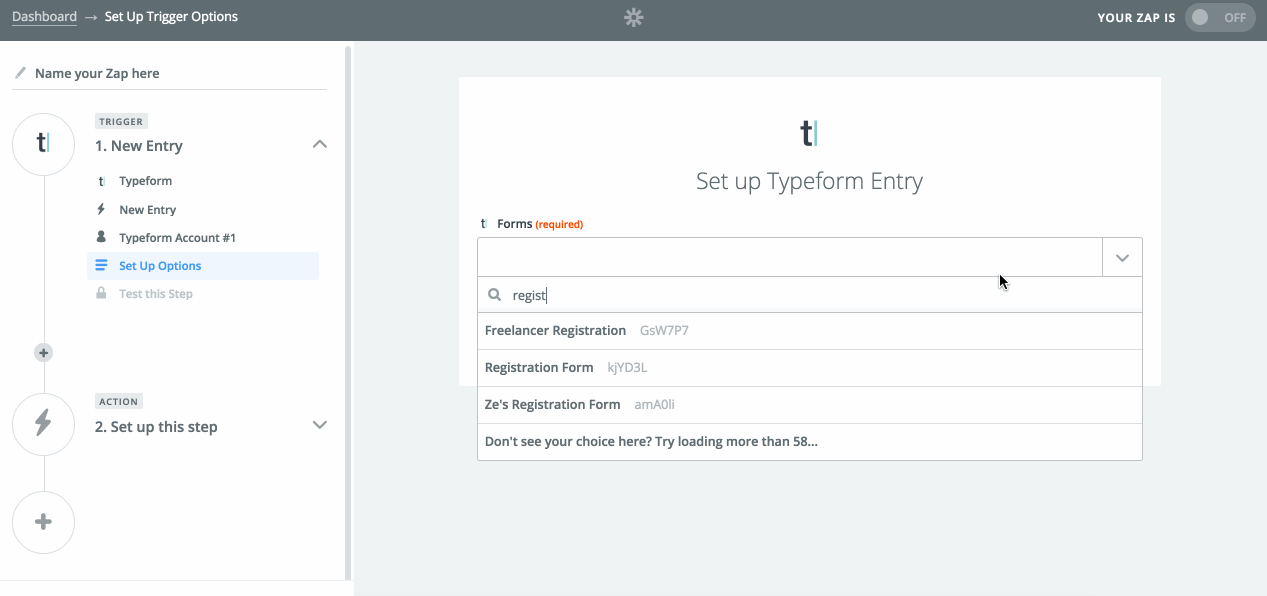
Many online survey tools are designed for the general public.
Readers of Search Engine Journal will be happy to hear that there’s a survey tool created just for us. Typeform was built specifically with marketers, UX researchers, and business owners like us in mind.
Here’s what’s included in the free plan:
- Unlimited surveys.
- 10 questions per survey.
- 10 responses per month.
- Basic question types.
- Basic reporting and analytics
- Ability to embed the survey on your website.
- Integrations with MailChimp, HubSpot, Trello, Google Sheets, Zapier, and more.
What’s missing from the free plan:
- Unlimited questions and responses.
- Custom thank you screen.
- Custom branding.
- Survey logic (ability to skip or trigger questions).
- Team collaboration.
- Ability to accept payment.
- Ability for survey respondents to upload files.
- Integration with Facebook pixel and Google Tag Manager.
Price: Freemium. Paid plans start at $29 per month.
Best for: Enterprise users, UX researchers, and marketers hoping to track customer behavior.
4. Zoho Survey
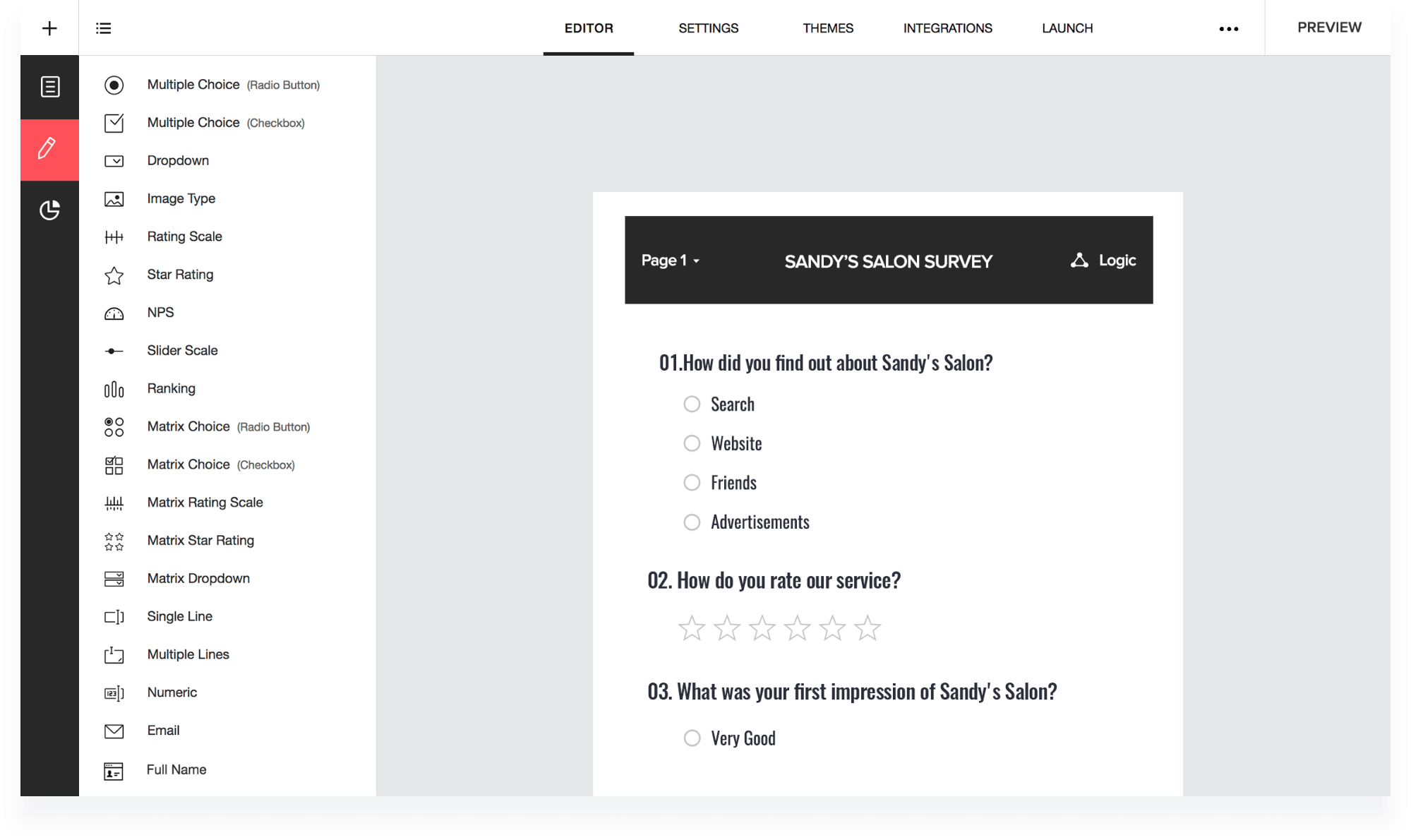
Zoho Survey is part of the same Zoho suite of apps that caters to sales, HR, IT, finance, and virtually any kind of business user you can think of.
Given their tenure creating SaaS software for business, their survey tool is just as robust as you might expect. Customers include big names like Netflix, Amazon, Facebook, and Change.org.
Here’s what’s included in the free plan:
- Unlimited surveys.
- 10 questions per survey.
- 100 responses per survey.
- Ability to embed surveys in email or website, or share to social media.
- Export to PDF.
- 250 survey templates.
- Password protection and HTTPS encryption.
- One user.
What’s missing from the free plan:
- Unlimited questions and responses.
- Ability to export to XLS or CSV.
- Survey logic (ability to skip or trigger questions).
- Custom branding.
- Team collaboration.
- Real-time responses.
- Multilingual surveys.
- Integration with Google Sheets, Tableau, Shopify, Zendesk, Eventbrite, and others.
Price: Freemium. Paid plans start at $25 per month.
Best for: Zoho users, or anyone who needs an extra level of security for their surveys.
5. Alchemer
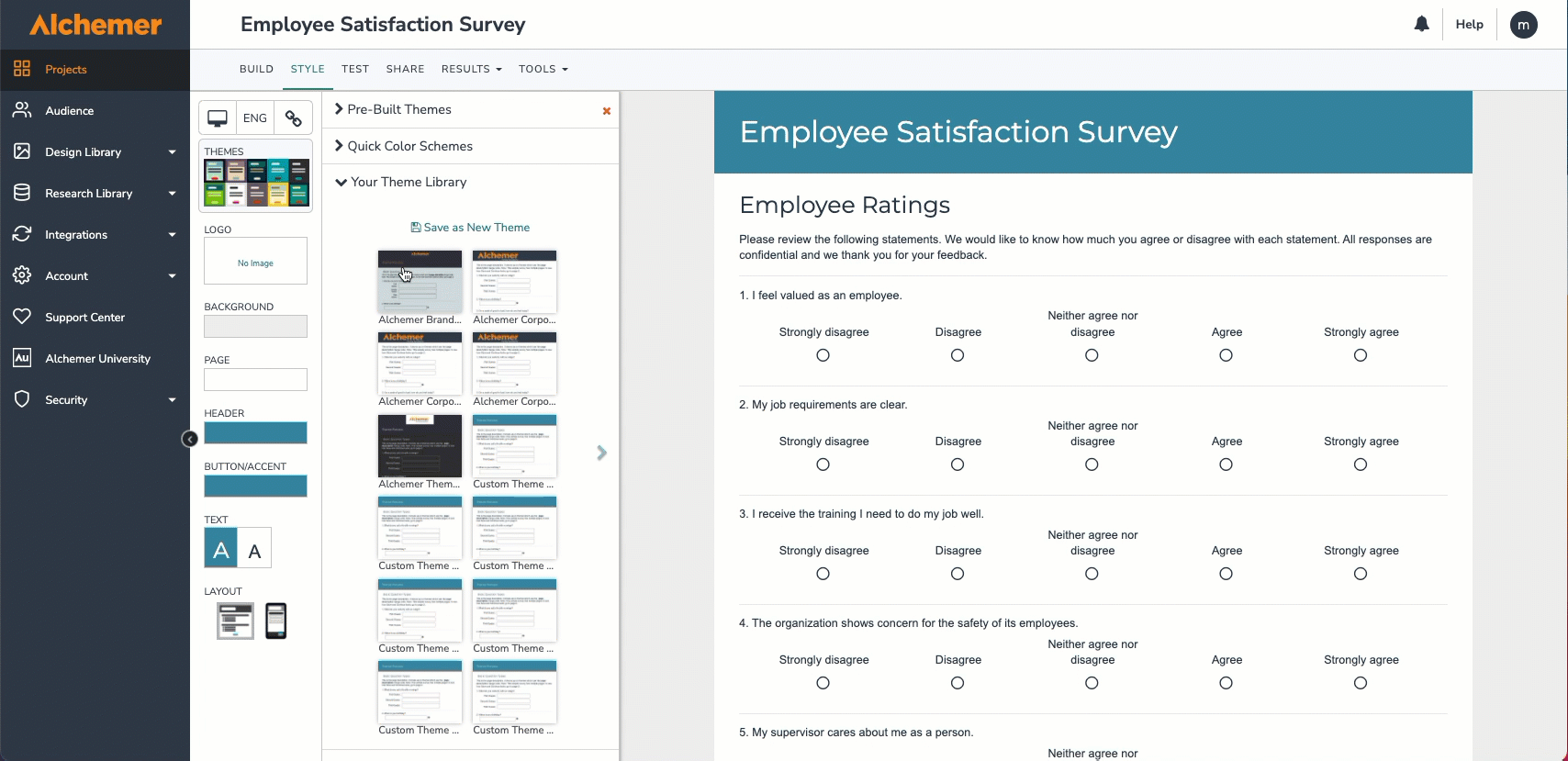
Alchemer is an advanced survey maker developed for the enterprise client.
Paid features include custom coding so you can customize every single element of your survey, from the survey URL to the form logic.
They stand out among free survey makers for being one of the few (besides Google Forms) to offer unlimited questions and Excel exports in their free plan. Clients include Disney, Salesforce, Verizon, and The Home Depot.
Here’s what’s included in the free plan:
- Three surveys at a time.
- Unlimited questions.
- 100 responses.
- 10 question types.
- Export to Excel.
- Customizable templates.
What’s missing from the free plan:
- Unlimited surveys.
- Unlimited responses.
- Unlimited question types.
- Survey logic (ability to skip or trigger questions).
- Custom branding.
- Ability to embed surveys in websites.
- Export to PDF, PowerPoint, or Word.
- Ability for survey respondents to upload files.
- Survey analytics and reporting.
- Ability to accept payment.
Price: Freemium. Paid plans start at $49 per month.
Best for: Enterprise users needing to create long surveys with advanced logic and question types.
6. Jotform
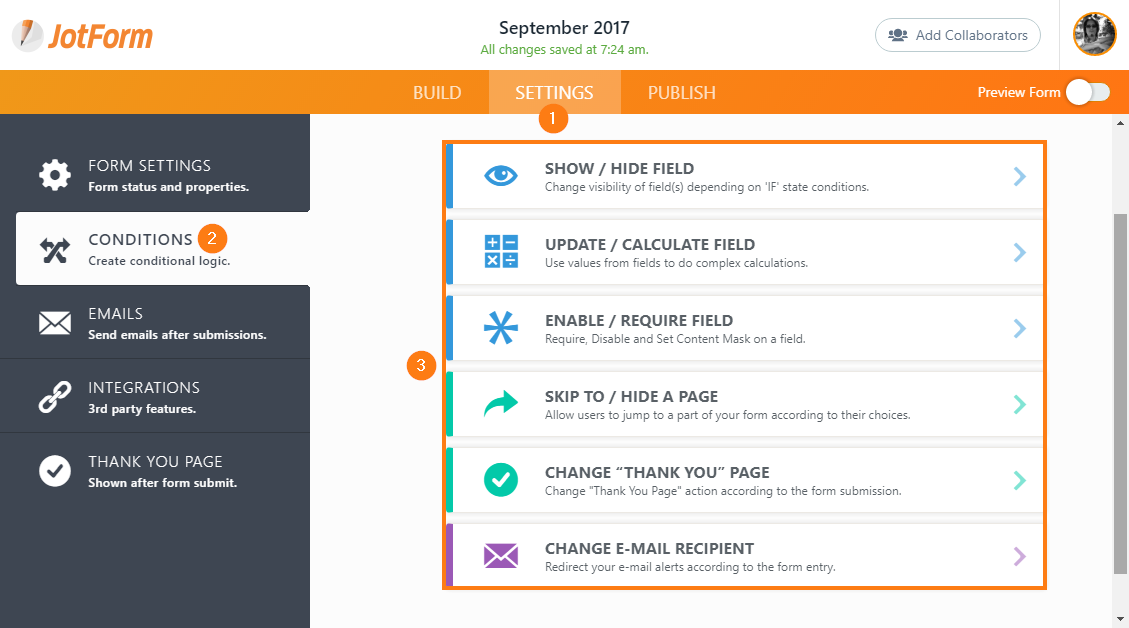
With over 10,000 templates, Jotform takes the cake as the survey maker with the most form templates on our list.
Jotform also stands out for letting you accept payments with the free plan (although you’re limited to 10).
This popular survey maker includes clients as wide-ranging as AMC and Nickelodeon to Redfin and the American Medical Association.
Here’s what’s included in the free plan:
- Five surveys.
- 100 questions per survey.
- 100 responses per survey.
- Ability to embed surveys in email or website.
- Export to PDF or Excel.
- 10,000 survey templates.
What’s missing from the free plan:
- Unlimited surveys.
- Unlimited questions and responses.
- Survey logic (ability to skip or trigger questions).
- Custom branding.
- HIPAA compliance.
Price: Freemium. Paid plans start at $29 per month.
Best for: Users who want a template for every kind of survey possible.
Which Survey Tool Will You Use?
There truly is a survey maker for everybody.
The above options are all solid choices. Which one works for you may depend on your organization’s needs and your personal preferences.
Take advantage of the free trials and see which one you like best.
More Resources:
- 20 Awesome Sources Of Free Data
- 4 Must-Use Data Sources To Establish The Right Content & Keyword Focus
- The State of SEO Report
Featured Image: Prostock-studio/Shutterstock
