


Do you use FireFox but want to make sure your site looks good to the users of other browsers? Well, this is a good move, here are a few basic tools to make this task easier:
Browser Shots
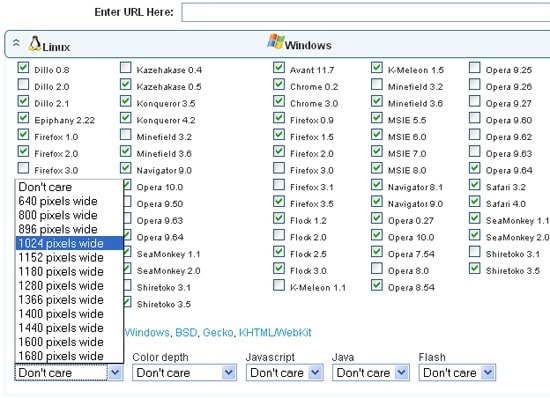
Browsershots tool makes screenshots of your web page in different browsers.
When you submit your web address, it will be added to the job queue. A number of distributed computers will open your website in their browser. Then they will make screenshots and upload them to the central server here.
The process if really quick and easy:
- Provide the page URL;
- Check the browsers you want to see your page in;
- Select the desired screen size, color depth, Javascript and Flash settings;
- Wait for the tool to generate the screenshots.
Install FireFox plugins
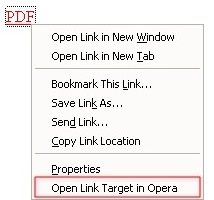
There are a number of FireFox addons that allow to view the current page or a link in an alternative browser:
- Chrome View;
- IE view (or this handy IE button);
- Safari view;
- Opera view
Install One Combined Addon
Browser view plus is an experimental addon that lets the user load Firefox links, bookmarks, or pages in Internet Explorer, Google Chrome or Chrome Application Window, Safari, Opera, or any other external browser. It also allows to change context menu text, language, or selected browsers, at any time, without restarting Firefox.
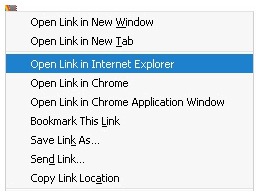
An alternative addon that unites a number of browsers: Open With (Chrome, Internet Explorer, Opera and Safari).

